HigherLife's own YouTube app
Is there a YouTube my kids can actually have?
Yes. Filtered YouTube is HigherLife's own YouTube app. Only the channels you pick, or all of YouTube without what you block. Search that shows only what HigherLife checked, in English and Hebrew. A daily limit, a bedtime, and closed on Shabbos and Yom Tov. Your child can ask for a video; you answer Allow or No. It opens from its own icon, like its own app.
Watch it on a real phone
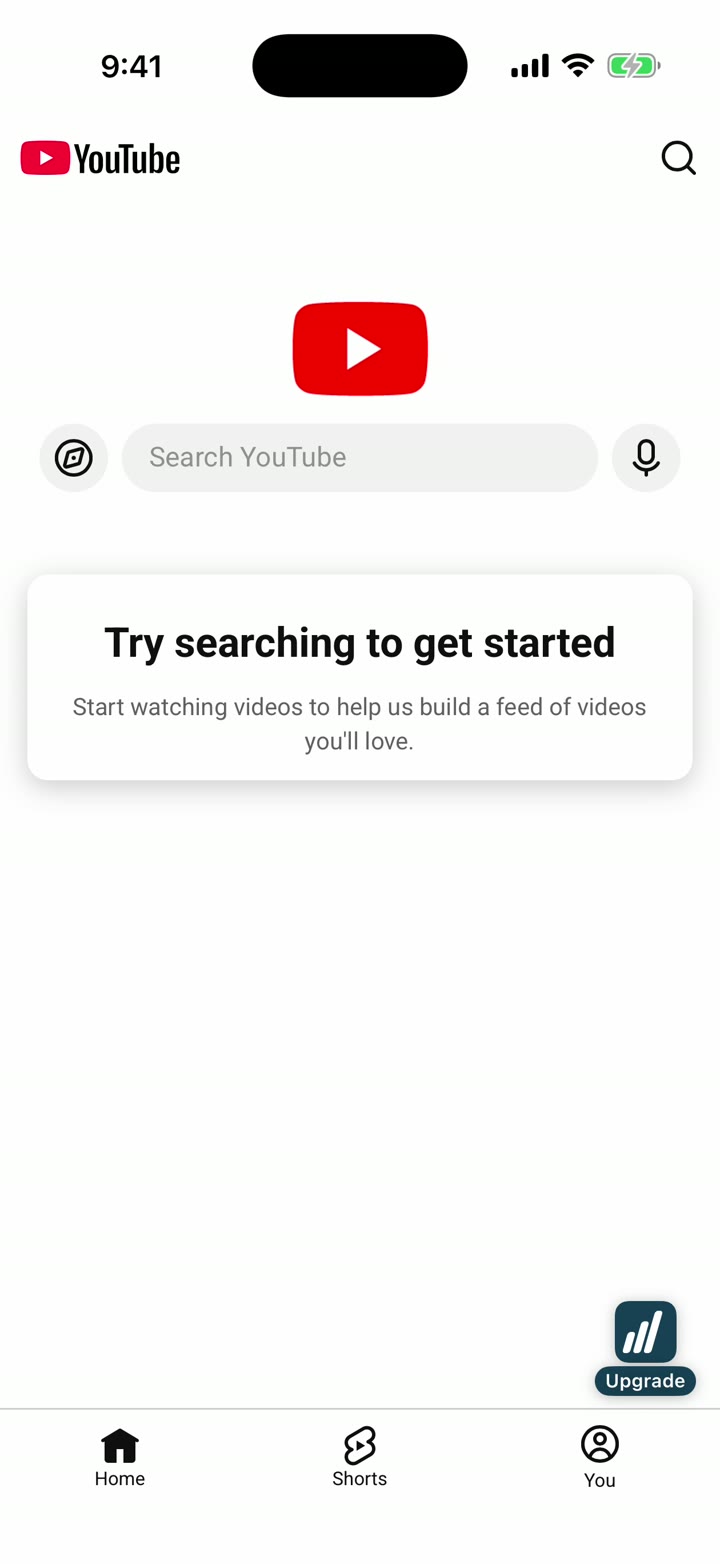
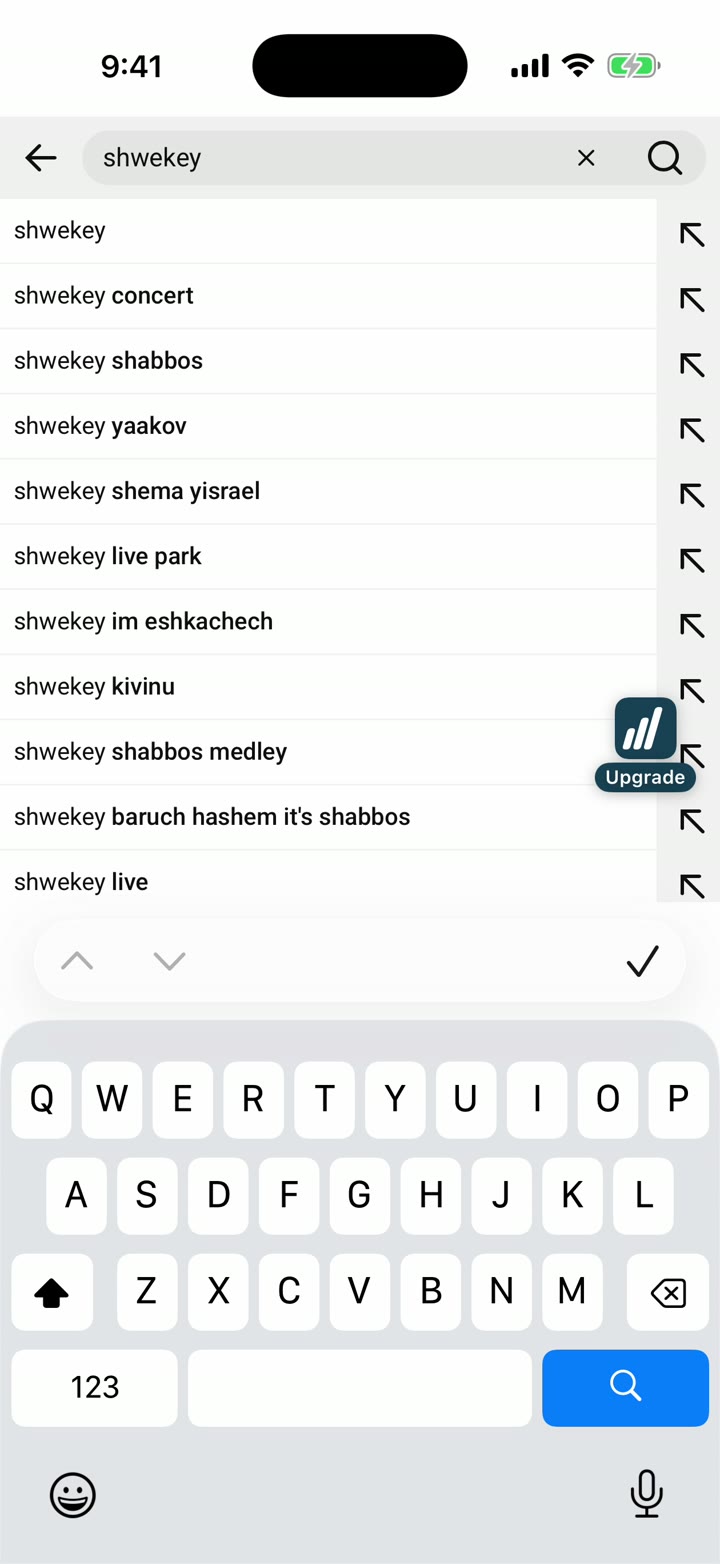
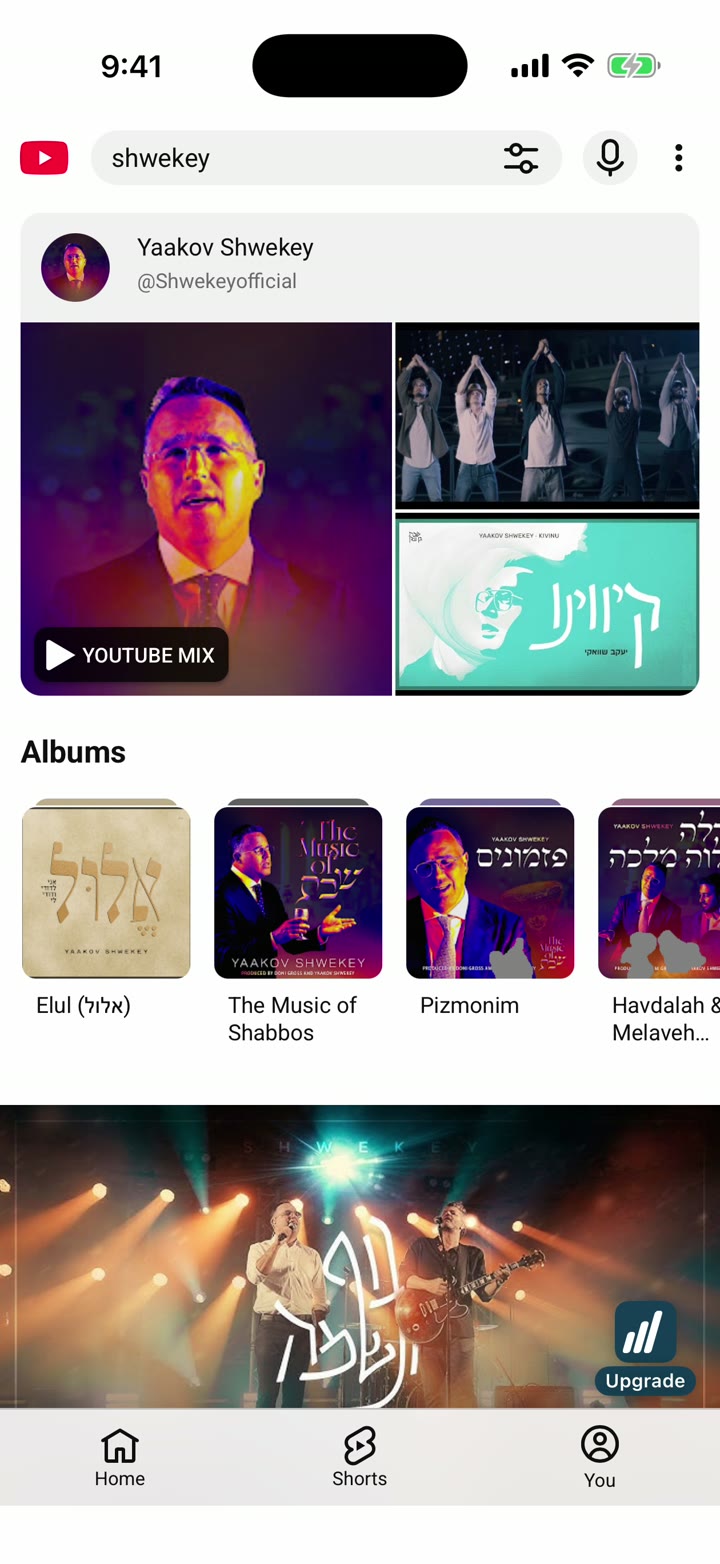
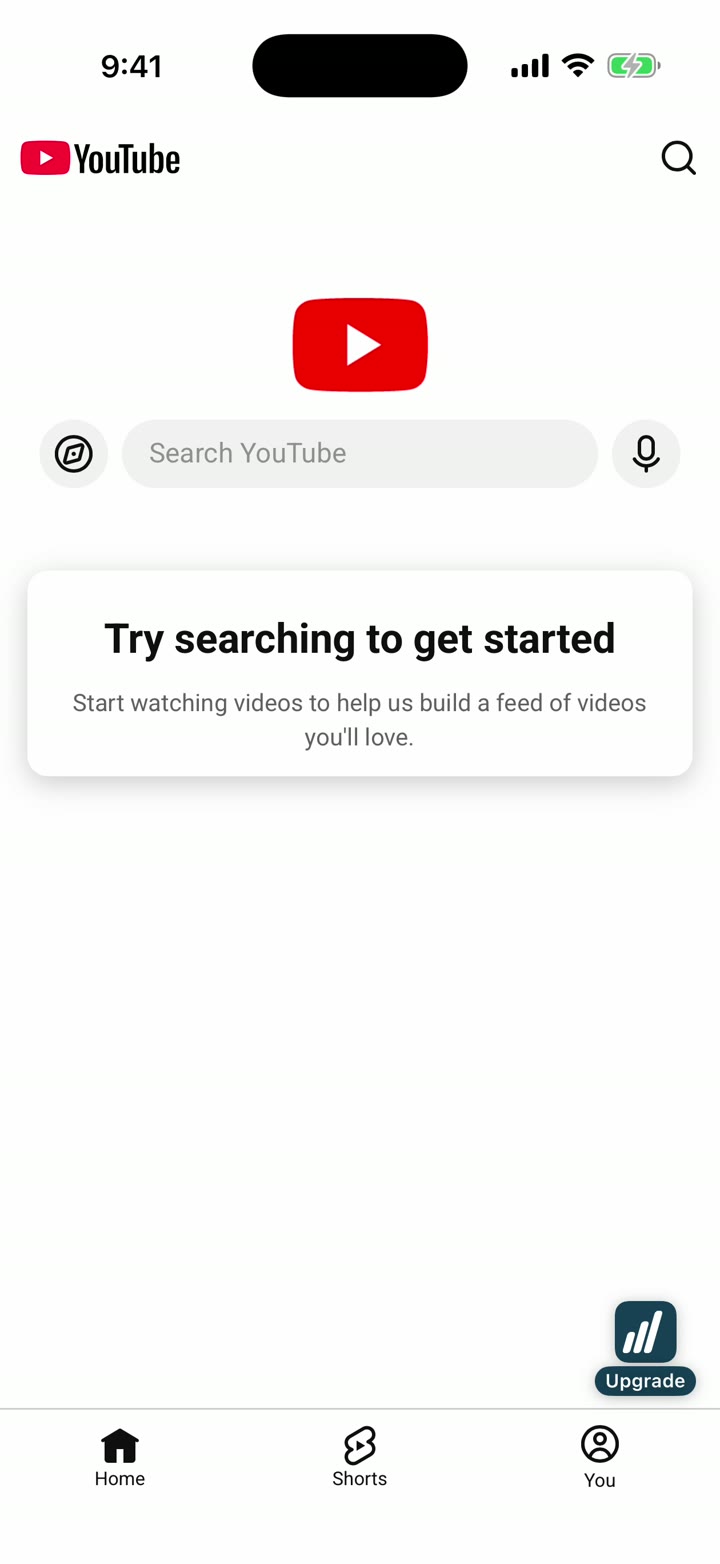
A HigherLife phone opens Filtered YouTube from its own icon and searches. What you see is what a family gets. Recorded by us.
Only your list, or all of YouTube
Only the channels you pick play. Or all of YouTube, except what you block. Your call, any time.
Search, checked by HigherLife
Typing in YouTube's own search box shows HigherLife's checked suggestions, in English and in Hebrew letters. Never a woman.
Time that keeps itself
A daily limit. A bedtime. Closed on Shabbos and Yom Tov by your zip code. The phone says "YouTube rests now."
Ask a parent
A video that may not play shows Ask a parent. You see the ask on My HigherLife and answer Allow or No.
The moat, drawn
Every video is checked before it starts, and YouTube's page is read before it shows. This is the whole moat, drawn.
Before and after: the same YouTube, the HigherLife way
Press the switch. "Any browser" is YouTube the way an outside filter leaves it. "HigherLife" is Filtered YouTube on a HigherLife phone.
Trending now
4.2M views · the outside filter never lookedShorts, endless
swipe, swipe, swipeUp next: picked by YouTube
not by youA channel you picked
CheckedplaysAnother channel you picked
CheckedplaysShorts
off, unless you allow itComments · Up next · Links
each its own switchHigherLife Enhancement mode
Every YouTube setting, one press away
HigherLife Enhancement mode is our own layer on top of YouTube. Inside our YouTube app, the Enhance tab sits right beside Home. One press opens this phone's YouTube settings from My HigherLife, the same screen as the portal: nothing to look for, nothing to remember. The film walks every setting on a real account.
The switches above are drawn on this page so you can feel them. The real ones are on My HigherLife and behind the Enhance button, for each phone.
Why HigherLife can do this, and an outside filter cannot
An outside filter watches the internet go by and tries to catch things on the way. HigherLife owns the browser YouTube runs in. So YouTube is not a website your child can wander around; it is an app we hand them, the way we built it:
| An outside filter | HigherLife | |
|---|---|---|
| Ads | before, during, after | none |
| The address bar | open to the whole web | none: YouTube alone, nowhere else to go |
| A video before it plays | plays, then maybe blocked | checked first, or it does not start |
| Shorts, comments, up next, links | all there | each one its own switch, off until you say |
| Search | YouTube's own | checked by HigherLife, in English and Hebrew |
| A YouTube video inside another website | a hole in the fence | the same rules, the same checking |
| Shabbos and Yom Tov | nothing | closed by your zip code |
| When the outside filter has a bad day | wide open | nothing to break: it is our browser |
We say what it does, not how. The how is ours.
How a family gets it, from A to Z
- Pick a HigherLife phone. iPhone or Android. Order online and set it up at home, or a HigherLife rep sets it up while you wait, by appointment, at 1622 Coney Island Avenue, Brooklyn.
- Pick the level. Focus, Balance, Flex or Freedom. $80 for six months or $160 for a year, per phone, paid up front, no setup fee, the same price on every plan.
- Set YouTube up on My HigherLife. Add channels from the approved library with one press, or search (English or Hebrew) and add. Choose the switches: Shorts, comments, up-next, live, links, listen only. Set the daily limit, the bedtime, the Shabbos close.
- Press Add to iPhone. YouTube lands on the home screen as its own icon and opens full screen, like its own app.
- Answer the asks. Your child presses Ask a parent on a video; you tap Allow or No. See what was watched any time.
What a parent can set
Who plays
Only my own list, or All of YouTube. Block a channel. Allow one video, whatever its channel. Block a word, so a title holding it never plays.
What shows
Search, Shorts, Videos beside the one playing, Comments, Live videos and live chat, Links under a video, Listen only. Each its own switch. The same rule holds for a YouTube video placed inside another website.
When
A day: no limit, 30 minutes, 1 hour, 1½ hours, 2 hours. Bedtime: 9, 10 or 11 PM to 7 AM. Shabbos and Yom Tov: closed by your zip code.
Looking back
What was watched, as a short list. Asks from this phone, answered with Allow or No.
“Your family. Your focus. Your values. Keep them at the center.”
Questions people ask
Is Filtered YouTube the real YouTube?
Yes. It is YouTube on a HigherLife phone, as its own app with its own icon, with the rules a parent set on My HigherLife.
Can my child search?
If you allow search, it shows only what HigherLife checked, in English and in Hebrew with Hebrew letters on the keyboard.
What if a video is not allowed?
It does not start. Your child can press Ask a parent; you answer Allow or No on My HigherLife.
Does it close on Shabbos?
Yes, by your zip code: closed from candle lighting until after havdalah, Yom Tov too. A daily limit and a bedtime are there as well.
Is it the same on every plan?
Filtered YouTube follows the phone's level. A parent can change the level any time on My HigherLife.
What does it cost?
It comes with a HigherLife phone: $80 for six months or $160 for a year, per phone, paid up front, the same price on every plan, no setup fee.
"…" - a stranger, open to your child
"…"